 EN / DE +4
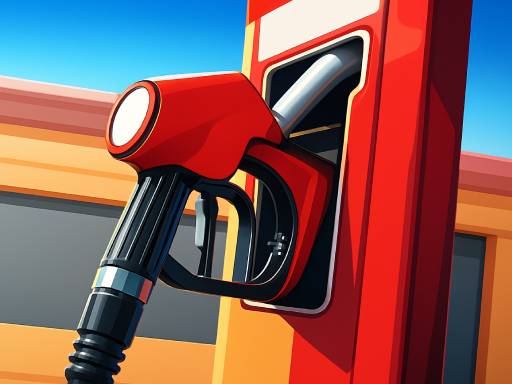
Gas Station: Junkyard Tycoon
Simulation

Mine blocks and construct buildings in a winter-themed craft world.
GameDistribution · No download needed
Controls: Use WASD for movement; check the in-game controls for the other actions.
Developed by AngryGamez. Provided by GameDistribution.
Game languages: English
EN / DE +4Simulation
 EN / DE +3
Simulation
 EN
ENSimulation
 EN / DE +3
Simulation·Single Player
 EN
ENSimulation
 EN / DE +4
Simulation
 EN / DE +8
Simulation
 EN
ENSimulation
Try another search or give a different genre a go.
Mine blocks and construct buildings in a winter-themed craft world.
Create a basic layout before expanding the surrounding area.
Mine blocks and construct buildings in a winter-themed craft world.
Create a basic layout before expanding the surrounding area.
Choose your cookie preferences. You can change them anytime. Details