 EN
ENSnow Rider 3D
Agility·Single Player
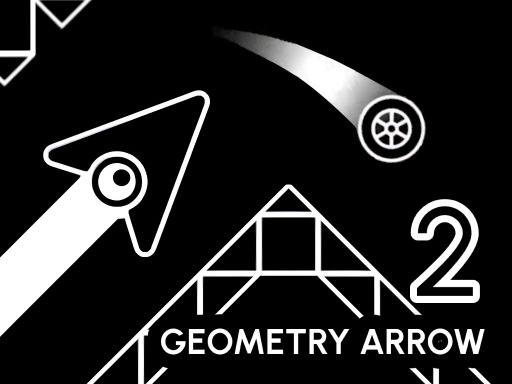
Learn the rhythm of both forms.
GameDistribution · No download needed
Controls: Space or left click moves or jumps; Escape exits a level. On mobile, tap the screen.
Developed by Playgama. Provided by GameDistribution.
Game languages: English and Russian
ENAgility·Single Player
 EN
ENAgility·Single Player
 EN
ENAgility·Single Player
 EN / AR +5
Agility·Single Player
 EN / AR +4
Agility·Single Player / Multiplayer
 EN / RU
Agility·Single Player
 EN / DE +4
Agility·Single Player
 EN
ENAgility·Single Player
Try another search or give a different genre a go.
Geometry Arrow 2 adds a Wheel character to the directional arcade challenge. Each of its six levels contains both Arrow and Wheel segments, so you need to adapt as the movement changes. The destination is still a portal, with obstacles between you and a successful finish and rhythmic timing shaping how you move through them.
Look ahead for the next pattern instead of treating every input as an isolated reaction. When the character changes, notice how the same button now affects the route and adjust before the next obstacle arrives. The game also offers achievements and visual customization for the characters. First concentrate on learning each segment’s movement, then use repeated attempts to make the transitions between forms more consistent.
Each level includes Wheel and Arrow segments, so the movement changes during a run.
Press Escape on desktop.
Choose your cookie preferences. You can change them anytime. Details